dupeGuru vs Czkawka: Which Duplicate File Finder Should You Use?
Compare dupeGuru and Czkawka for exact duplicates, similar photos, music, and deletion options. See where MangoDisk fits for reviewing and removing identical copies.

Your browser is no longer supported
MangoDisk needs a newer browser to display this website correctly. Upgrade Microsoft Edge or open this page in another modern browser.
You can still download MangoDisk directly:
Upgrade Microsoft EdgeFind what's taking up disk space on Windows and Mac. Learn how to clear app caches, find large files, and remove app leftovers with MangoDisk.
C drive full, large files, temporary files, and app leftovers.
Explore guidesSystem Data, large files, duplicate files, and app leftovers.
Explore guidesXcode, npm, Cargo, pip, and Codex storage.
Explore guidesBrowsers, chat apps, meeting recordings, and app cache.
Explore guidesCompare dupeGuru and Czkawka for exact duplicates, similar photos, music, and deletion options. See where MangoDisk fits for reviewing and removing identical copies.
Find and delete unused ComfyUI models with MangoDisk. Locate model folders, check shared libraries, and find out why uninstalling ComfyUI may leave files behind.

Considering an AppCleaner alternative? Use MangoDisk to compare Mac app sizes, review related files and keep the settings and data you need before uninstalling.
Looking for a free, open-source BleachBit alternative? See how MangoDisk combines disk usage analysis, cache cleanup and file organization, and where the tools differ.
Find the largest files and folders on Windows 11 with MangoDisk's treemap and filters. See what is using your drive before you delete, move or uninstall anything

Windows 11 cleanup barely changed your free space? Use MangoDisk to uncover large folders, duplicate files, app data and leftovers before deciding what to remove
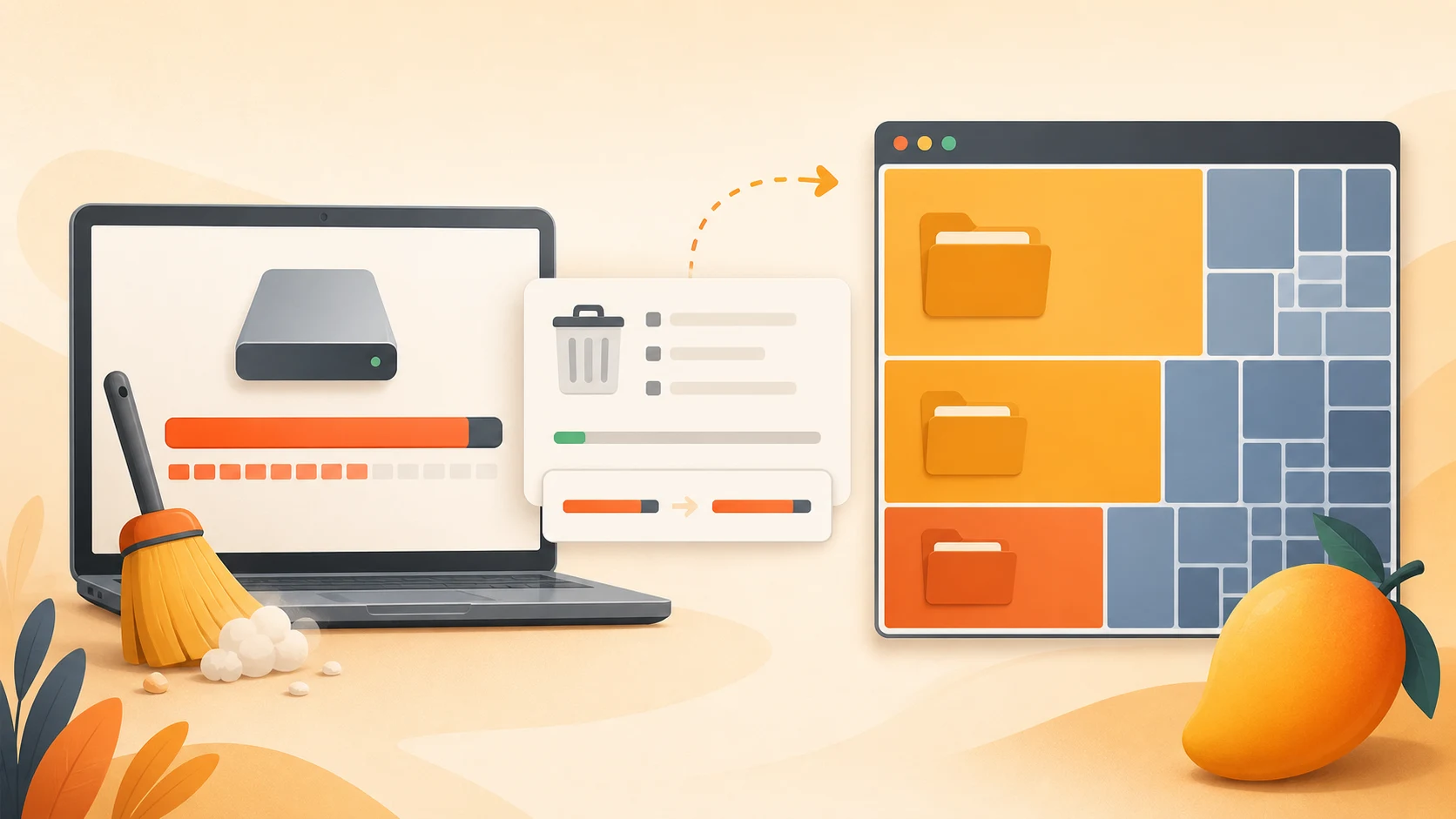
AppData taking up too much space? Use MangoDisk to review supported caches, find large app folders, and check what to keep in Local, Roaming, Temp and NVIDIA folders.
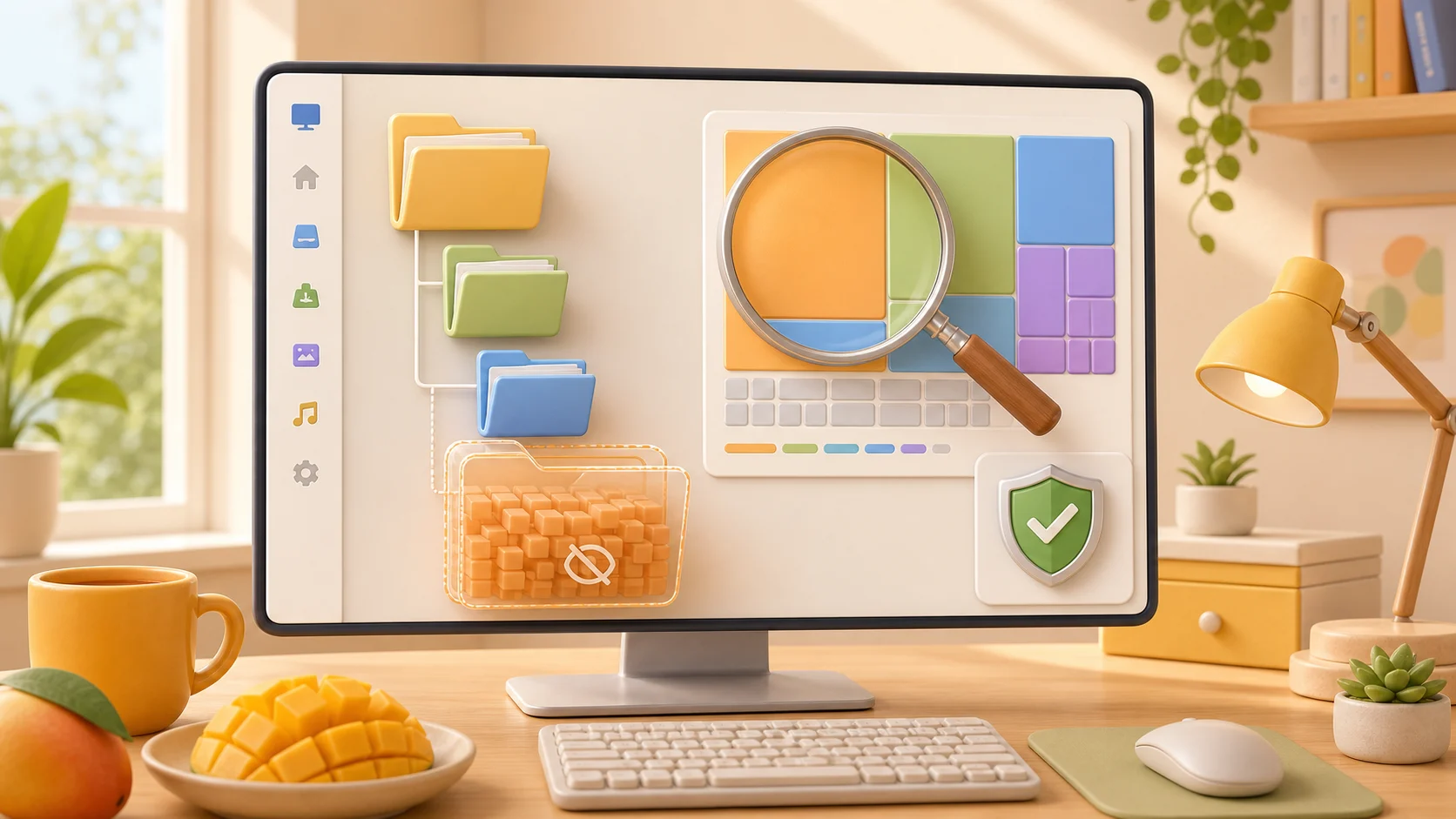
Find duplicate files in Windows 11 with MangoDisk, compare their locations, and choose which copies to keep. Check backups and synced files before deleting extras.
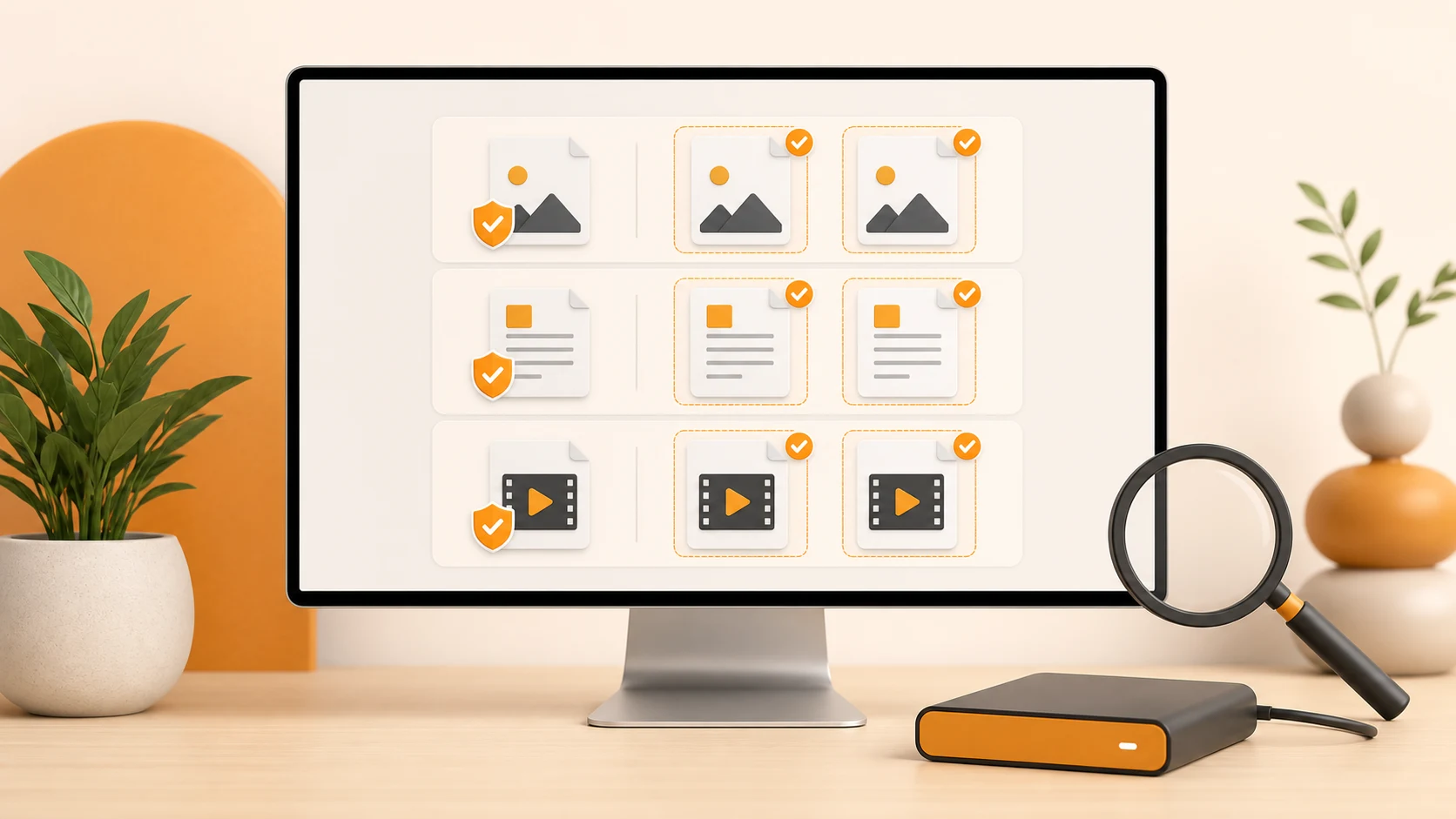
System Data taking up too much space on your Mac? Use MangoDisk to find large folders, review supported caches and old logs, and check what to keep before you clean.

Use MangoDisk to compare Windows app, browser, and system caches in one place. Review what takes up space and choose what to clear while keeping personal files.

A large pagefile.sys isn't ordinary junk. Learn why Windows keeps it, when to leave its size alone, and how MangoDisk helps you find other space to reclaim.

Learn which Windows 11 temporary files are safe to remove, which entries need review, and what changes after cleanup

Use MangoDisk to compare app and browser caches on your Mac, review what to keep, and clear selected items. Includes built-in options and advice on site data.
Clear Slack cache on your Mac using Slack's built-in option, or check its size and location with MangoDisk before deleting it. See what stays untouched.

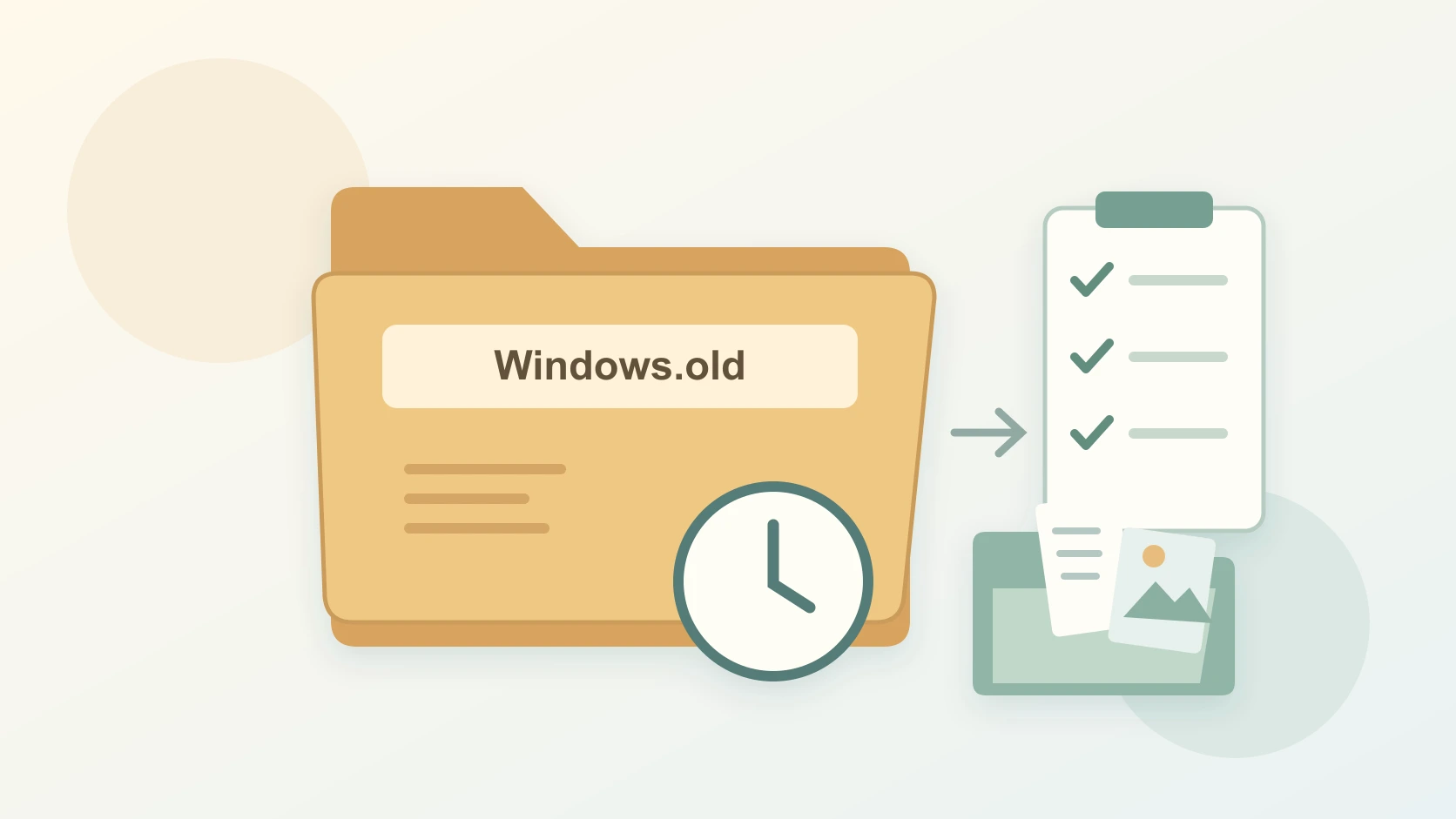
Deleting Windows.old frees space but removes your rollback option. Check your files first, then review the old installation in MangoDisk or Windows Settings.
Find what is filling your Windows 11 C drive, safely remove temporary files and unused apps, and avoid deleting system files your PC needs
Not sure what's filling up your computer? Use MangoDisk's treemap, sunburst and folder list to see disk usage, follow large folders and decide what to keep.

Compare MangoDisk, WinDirStat, WizTree and TreeSize Free to find what's filling your drive. See which tool fits your needs, what's free and how to follow up with cleanup.
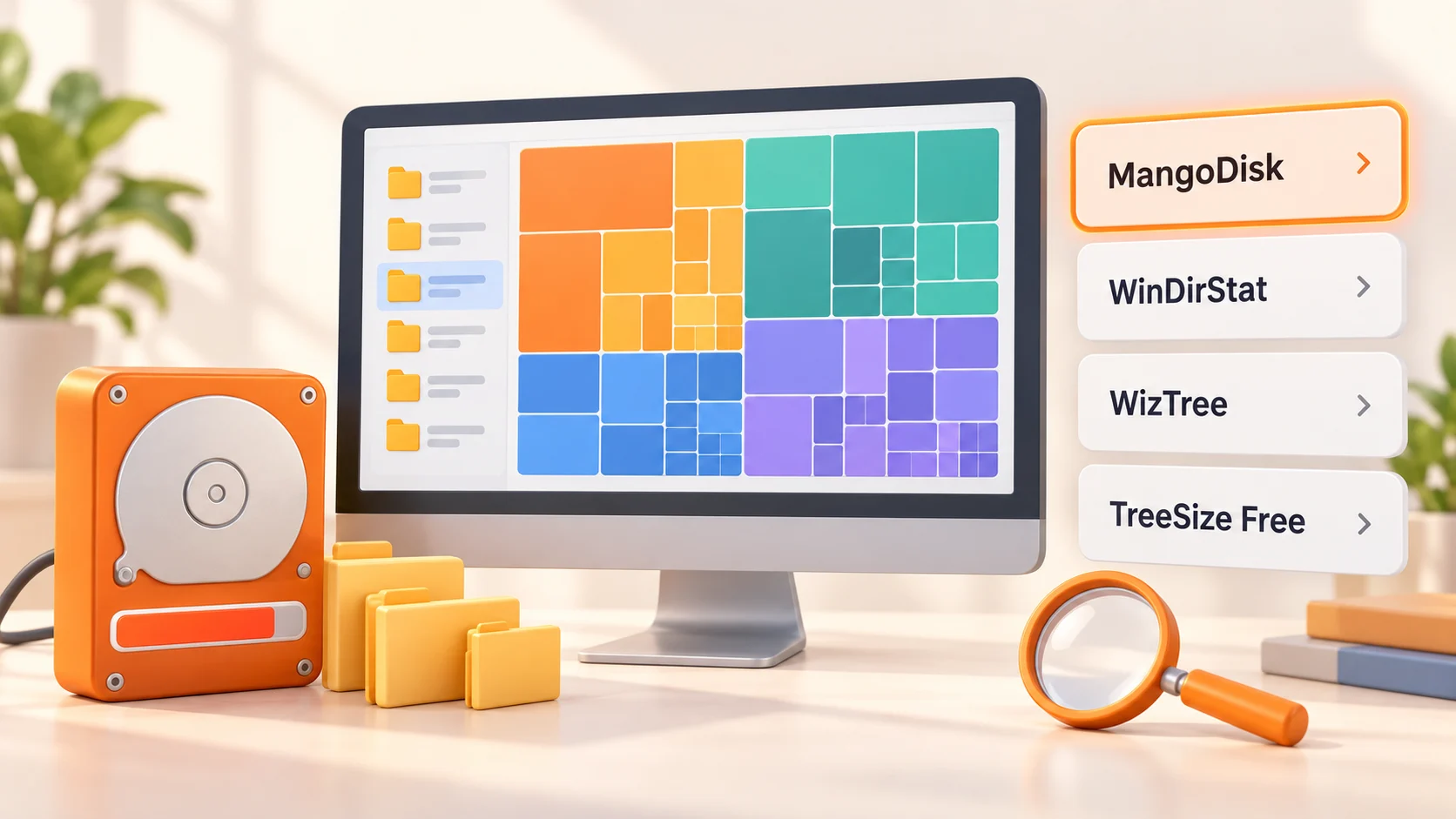
Find the largest files on your Mac with Storage settings, Finder, and a visual disk map, then decide what is safe to delete or move
Compare TreeSize and WizTree's free features, reports and paid options. See when MangoDisk can help with disk analysis, large files and cache cleanup.

Looking for a free WizTree alternative? See when MangoDisk fits your disk analysis and file organization needs, with platform support and deletion explained.
Looking for a free TreeSize alternative? Compare editions, explore folder sizes, and filter large files with MangoDisk. See where it fits and how deletion works.
Compare BleachBit and CCleaner for everyday cleanup, keeping website logins and free features. See how MangoDisk separates cache cleanup from privacy cleanup.

Looking for a free, open-source CCleaner alternative? MangoDisk brings cache cleanup, disk analysis, duplicate files and privacy cleanup together. No account needed.
Tired of clearing history one app at a time? MangoDisk brings supported browser, app, and Windows activity into one place so you can choose what to clear and keep.

Compare WizTree and WinDirStat for large files, duplicate checks and free use. Find the right disk analyzer and see when MangoDisk can help with caches.

Looking for a WinDirStat alternative? See how MangoDisk combines a treemap, cache cleanup and app removal, plus the differences that matter before you switch.

Looking for a free DaisyDisk alternative? Explore disk usage with MangoDisk's sunburst charts and treemaps, then review large files, duplicates, and caches.

Looking for a free CleanMyMac alternative? Use MangoDisk to clear Mac caches, find large files, and review app leftovers. No account or login required.
Check Figma cache sizes and paths with MangoDisk, confirm your edits have synced, and learn how clearing selected caches differs from resetting the desktop app.
Learn why C:\Windows\Installer grows, what not to delete, and how to inspect disk usage with MangoDisk before choosing safer ways to free space.

Clear out old installers, large videos and duplicate downloads with MangoDisk. Find what's worth removing from Downloads without losing files you still need.
Check Docker build cache estimates with MangoDisk, clear unused cache while keeping images, containers and volumes, and understand rebuild costs and disk image sizes.

Compare Unity Library folder sizes with MangoDisk and clear caches from old projects. Keep source assets, settings and memory snapshots, and understand the cost of reimporting.
Gradle cache taking up too much space? Use MangoDisk to compare development caches and build artifacts, check their paths, and clear what you can replace without deleting project files.

Learn the difference between Rust target build artifacts and Cargo dependency caches, what is safe to remove, and what you should never delete from .cargo

Check IntelliJ IDEA cache sizes and paths with MangoDisk on Windows and Mac. Clear selected caches without removing projects, settings or Local History, or use IDEA's built-in option.
Check VS Code cache sizes and paths with MangoDisk on Windows and Mac, then clear what you don't need. Includes manual steps and folders to leave alone.
Clear Steam cache without uninstalling games. Use Steam for download cache and MangoDisk to review supported Windows interface caches, then find what is taking up disk space.

Free up space used by npm's download cache without removing installed dependencies. Check its size with MangoDisk or use npm cache clean --force.

Find pnpm's store, compare cache sizes in MangoDisk, and choose between pruning unused packages and clearing a cache folder. Know what could affect your projects.

Delete unused Ollama models with ollama rm, or use MangoDisk to check storage and clear an entire model library you no longer need. Keep the models you still use.

Find large Zoom recordings and review cache or old logs with MangoDisk on Windows and Mac. Keep the meetings you need and remove files you no longer want.
Check how much space pip's cache uses, then clear it with MangoDisk or pip cache purge. Keep installed packages and virtual environments intact.
Clearing the Windows thumbnail cache leaves your photos intact. Check cache sizes with MangoDisk or use Disk Cleanup, and learn what happens to previews afterward.
Find duplicate files on your Mac by content, not just name. MangoDisk groups matching copies so you can compare locations, choose what to keep, and clear the extras.

CrashDumps taking up space on C:? Learn which Windows crash dump files you can delete, which to keep for troubleshooting, and how to review them first.

Outlook taking too much space on your Mac? Check the app cache before deleting anything. See what MangoDisk can clean, how to do it in Finder, and why resetting your account is different.

Premiere Pro cache filling your drive? Check Adobe cache sizes with MangoDisk, clear media cache, and keep your footage and projects separate from temporary files.
A large hiberfil.sys file on your C drive? Learn when you can reclaim the space, what turning off hibernation changes, and how MangoDisk helps you find other files to clean.
Free up space used by Spotify on your PC. Use Spotify to clear playback cache, review supported interface caches with MangoDisk, and keep offline downloads separate.

Free up WeChat storage on Windows with MangoDisk. Find supported caches and logs, see which folders take up space, and keep chat attachments separate from cleanup.

Codex disk usage growing? Find what's taking up space with MangoDisk, clean supported caches and build files, and keep your code and chat history out of the cleanup.

Decide whether DirectX Shader Cache is worth clearing, understand the recompilation trade-off, and use MangoDisk to review supported cache locations and sizes.

Uninstall unused Mac apps with MangoDisk, review related caches and data, and keep files you still need. Free and open source, with no signup or login.

Free up Discord cache space on Windows with MangoDisk, or clear common cache folders manually. Check sizes and paths without deleting the whole Discord data folder.

Review Teams cache sizes and paths with MangoDisk, then clear supported caches without resetting the whole app. Find the new Teams cache folder on Windows 11.

Free up space on Windows 11 with MangoDisk. Review Chrome and Edge caches together, choose what to clear, and leave passwords, bookmarks, and cookies alone.

AI can help explain disk usage, but cleanup without review may remove personal or synced files. Follow a safer check-first workflow instead

Unsure whether to delete a cache or disable a startup item? MangoDisk AI explains what it does and what could change, without the back-and-forth searching.

Learn which Windows 11 startup apps are safe to disable, why some apps return, and how MangoDisk reveals startup sources Windows does not show together

See how MangoDisk improves app removal on Windows 11 by showing sizes, status and related files before you safely clean up leftovers
Windows 11 search not working, no sound, blank icons or stuck updates? Use MangoDisk System Maintenance to run the right built-in Windows repair task

Learn what Xcode Derived Data contains, when it is safe to delete, and how to clear one project or the entire folder without touching source code

How a constantly full disk, fragile cleanup scripts, and overly complicated alternatives led me to build a simpler open-source disk cleaner