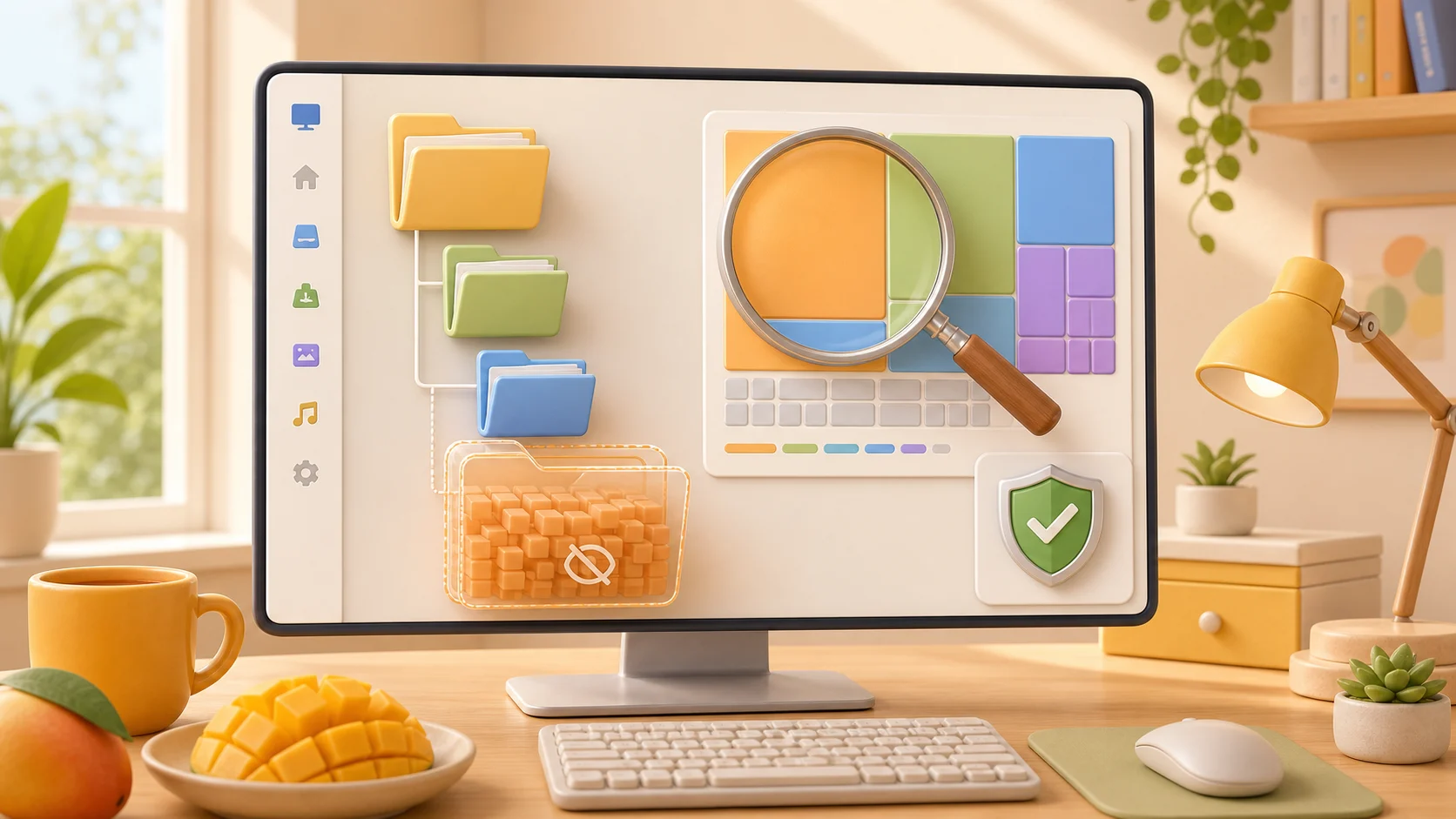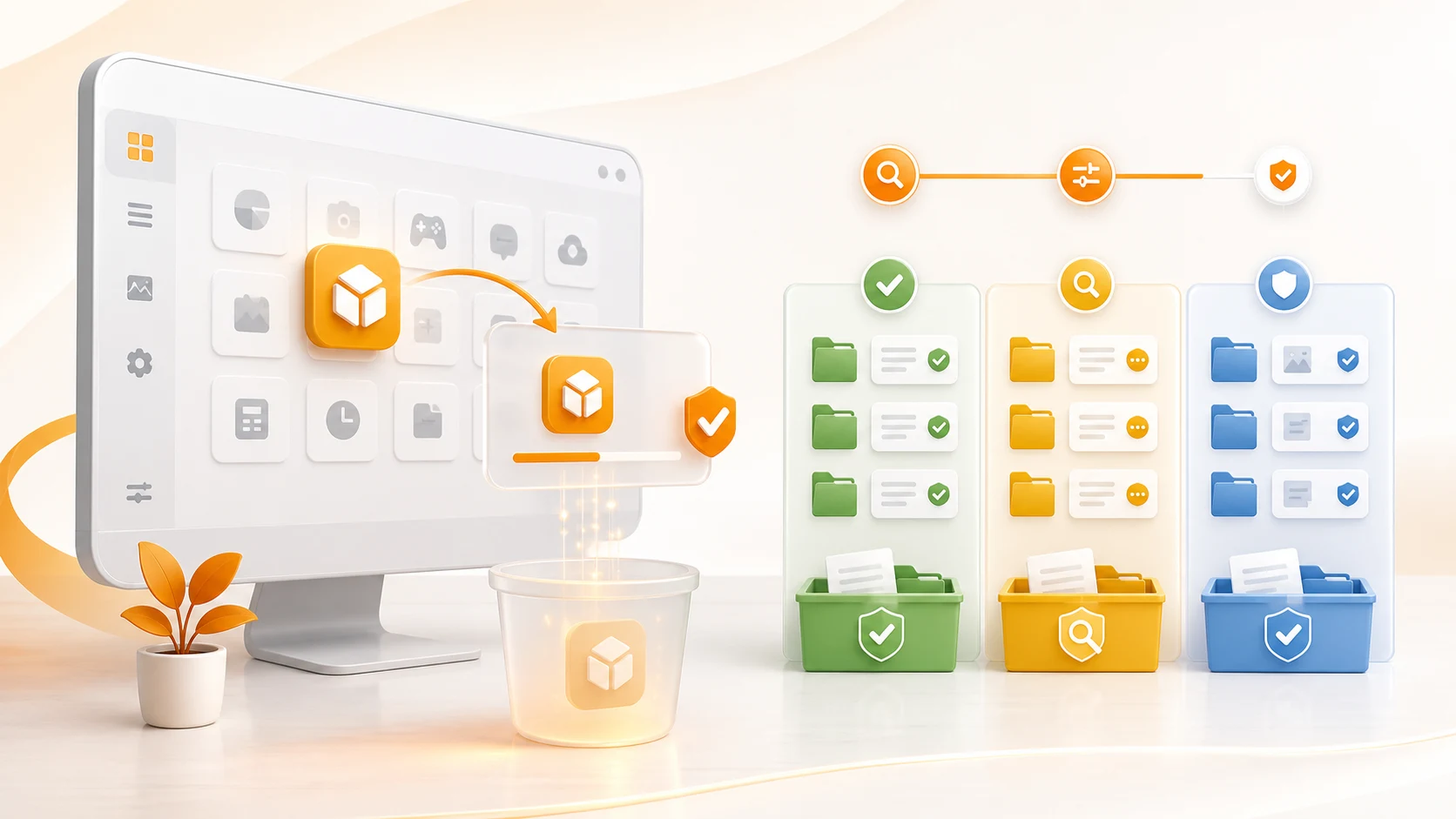
Zoom Taking Up Space? Clear Cache and Review Old Recordings
Find large Zoom recordings and review cache or old logs with MangoDisk on Windows and Mac. Keep the meetings you need and remove files you no longer want.

Your browser is no longer supported
MangoDisk needs a newer browser to display this website correctly. Upgrade Microsoft Edge or open this page in another modern browser.
You can still download MangoDisk directly:
Upgrade Microsoft Edge26 articles
Find large Zoom recordings and review cache or old logs with MangoDisk on Windows and Mac. Keep the meetings you need and remove files you no longer want.

Clearing the Windows thumbnail cache leaves your photos intact. Check cache sizes with MangoDisk or use Disk Cleanup, and learn what happens to previews afterward.
CrashDumps taking up space on C:? Learn which Windows crash dump files you can delete, which to keep for troubleshooting, and how to review them first.

Premiere Pro cache filling your drive? Check Adobe cache sizes with MangoDisk, clear media cache, and keep your footage and projects separate from temporary files.

A large hiberfil.sys file on your C drive? Learn when you can reclaim the space, what turning off hibernation changes, and how MangoDisk helps you find other files to clean.

Free up space used by Spotify on your PC. Use Spotify to clear playback cache, review supported interface caches with MangoDisk, and keep offline downloads separate.

Free up WeChat storage on Windows with MangoDisk. Find supported caches and logs, see which folders take up space, and keep chat attachments separate from cleanup.

Decide whether DirectX Shader Cache is worth clearing, understand the recompilation trade-off, and use MangoDisk to review supported cache locations and sizes.

Free up Discord cache space on Windows with MangoDisk, or clear common cache folders manually. Check sizes and paths without deleting the whole Discord data folder.

Review Teams cache sizes and paths with MangoDisk, then clear supported caches without resetting the whole app. Find the new Teams cache folder on Windows 11.

Unsure whether to delete a cache or disable a startup item? MangoDisk AI explains what it does and what could change, without the back-and-forth searching.

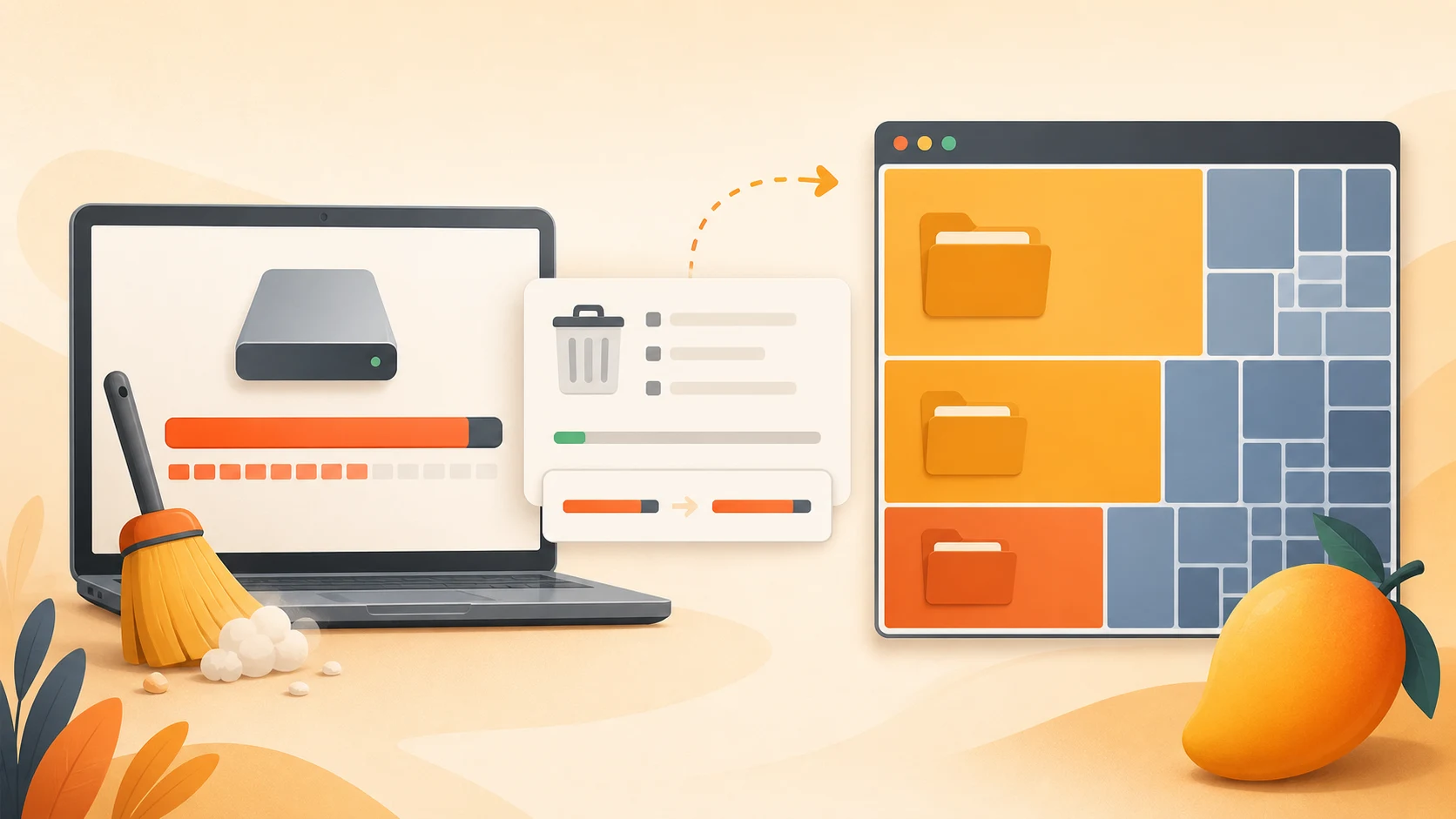
Looking for a WinDirStat alternative? See how MangoDisk combines a treemap, cache cleanup and app removal, plus the differences that matter before you switch.

Clear out old installers, large videos and duplicate downloads with MangoDisk. Find what's worth removing from Downloads without losing files you still need.

Looking for a free, open-source CCleaner alternative? MangoDisk brings cache cleanup, disk analysis, duplicate files and privacy cleanup together. No account needed.

Free up space on Windows 11 with MangoDisk. Review Chrome and Edge caches together, choose what to clear, and leave passwords, bookmarks, and cookies alone.

Tired of clearing history one app at a time? MangoDisk brings supported browser, app, and Windows activity into one place so you can choose what to clear and keep.

Find the largest files and folders on Windows 11 with MangoDisk's treemap and filters. See what is using your drive before you delete, move or uninstall anything

Windows 11 cleanup barely changed your free space? Use MangoDisk to uncover large folders, duplicate files, app data and leftovers before deciding what to remove

Find what is making AppData so large, separate disposable caches from important app data, and safely reclaim C drive space with MangoDisk

Windows 11 search not working, no sound, blank icons or stuck updates? Use MangoDisk System Maintenance to run the right built-in Windows repair task

Learn which Windows 11 startup apps are safe to disable, why some apps return, and how MangoDisk reveals startup sources Windows does not show together

See how MangoDisk improves app removal on Windows 11 by showing sizes, status and related files before you safely clean up leftovers

Learn which Windows 11 temporary files are safe to remove, which entries need review, and what changes after cleanup

Find duplicate files on Windows 11, verify identical content, choose which copy to keep, and remove extras without deleting backups or app files

AI can help explain disk usage, but cleanup without review may remove personal or synced files. Follow a safer check-first workflow instead

Find what is filling your Windows 11 C drive, safely remove temporary files and unused apps, and avoid deleting system files your PC needs